Welcome Overview for Student Trading Lab Students
Welcome to
Interactive Brokers!


Congratulations on your
new Student Trading Lab account!
This Welcome Center will help you get started with Interactive Brokers Client Portal, trading platform and additional resources.
Getting started is quick and easy.
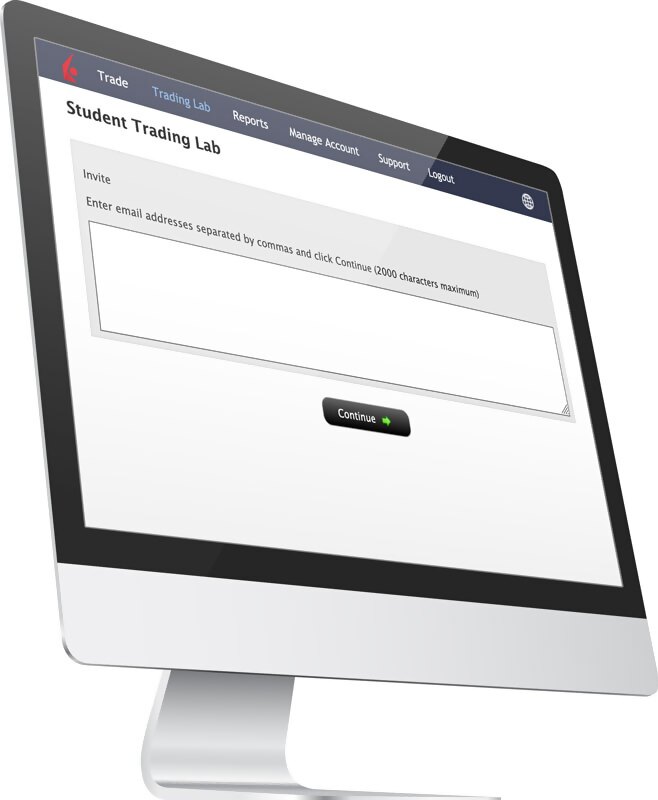
Manage Your Account
Client Portal
Our web application serves as your one-stop destination to check quotes and place trades, see account balances, P&L and key performance metrics, reporting, and more.
1. Account/User Settings
You can initiate a password reset from Client Portal.
2. Reporting
Use the options in Client Portal to manage and monitor your account, perform account cash equity resets, and more. Please note that for a full reset, users should close all positions in the paper account before resetting the cash amount. Paper account reset requests received by 1600 ET will be processed by the next day.
- Statements
- Flex queries
Trade Your Account
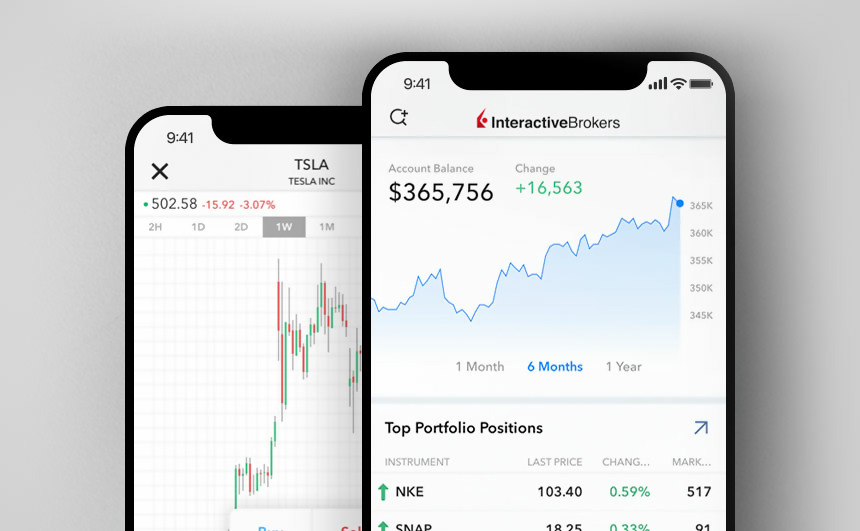
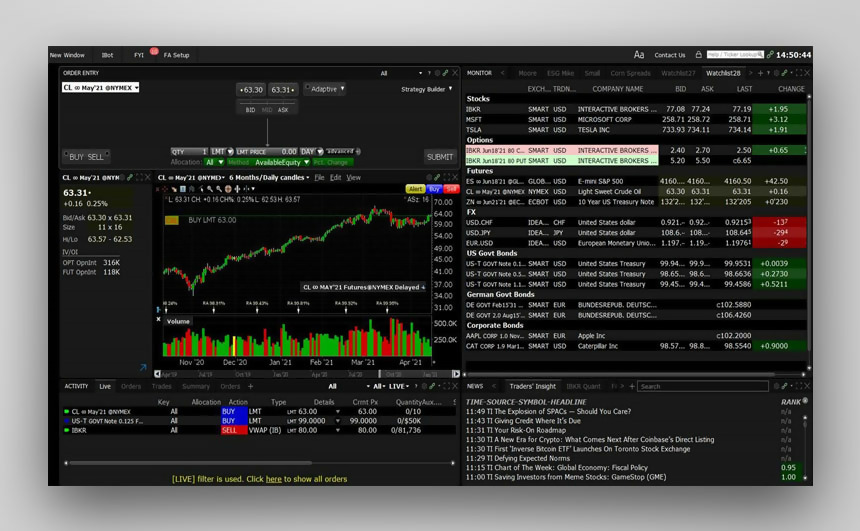

Trade stocks, options, futures, and bonds on US markets as well as currencies.
| Products | Client Portal | Trader Workstation | Mobile | IBKR API |
|---|---|---|---|---|
| Stocks | ||||
| Options (Incl. Futures Options) | ||||
| Futures | ||||
| Spot Currencies | ||||
| Warrants | ||||
| Combinations | ||||
| Bonds |
For non-US markets – consider using the FREE Trial
Educational Resources
See IBKR Campus to learn about the financial industry as well as the trading tools and assets IBKR supports.
Improve your understanding of the products, tools and markets available via IBKR's award-winning Trader Workstation (TWS), IBKR Mobile, Client Portal and TWS API applications.
Short Videos







TRADERS' ACADEMY
WEBINARS
TRADERS' INSIGHT
PODCASTS
QUANT BLOG
STUDENT TRADING LAB
On-Demand Educational Resources –
Never Stop Learning
Interactive Brokers provides several resources to help you better understand IBKR products and services, markets and technology.